Know what your PC is doing.Control what it supports.
SwiftPulsePC brings live diagnostics, cooling, performance testing, storage review, and recovery tools into one honest control center.
New in 1.9.13: Clearer dashboard diagnostics and Settings, stronger protection for local controls and the cooling service, and encrypted companion sessions with a certificate fingerprint you can verify. Hardware controls still depend on your PC; Intel power tuning is unavailable in this release. See what changed
A quick walkthrough
From a reading to a useful next step.
Understand your PC
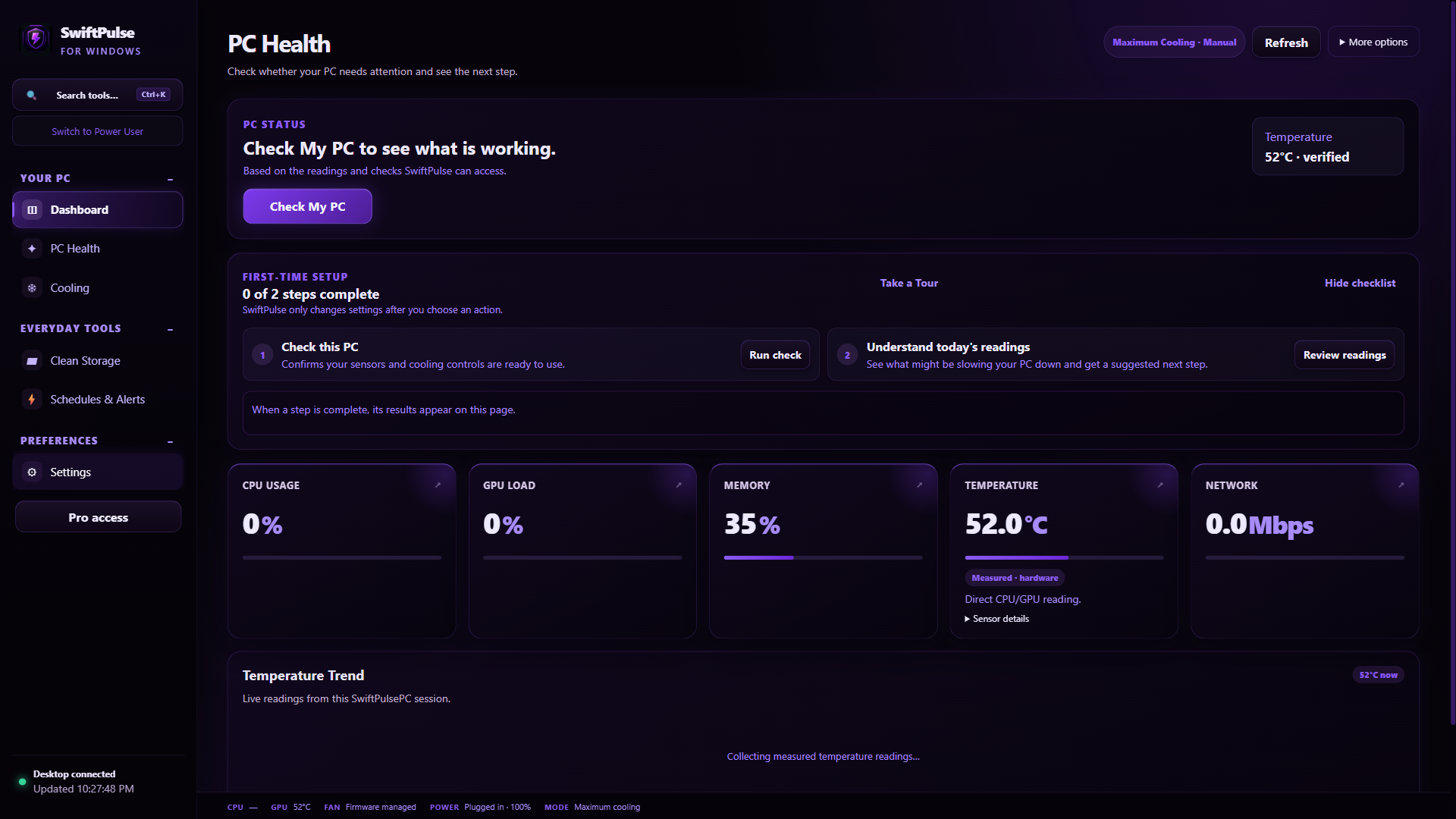
Start with Check My PC for a plain-language result and next step. Detailed readings stay available, and unverified temperatures are clearly marked.
Real SwiftPulsePC screenshots. Available features vary by plan and hardware compatibility.
SwiftPulsePC in action
See the control center in action.
Real captures of the Windows app. See the release notes for the latest reliability improvements.
Start with PC Health
Check your PC, see what needs attention, and open detailed readings when you need them.
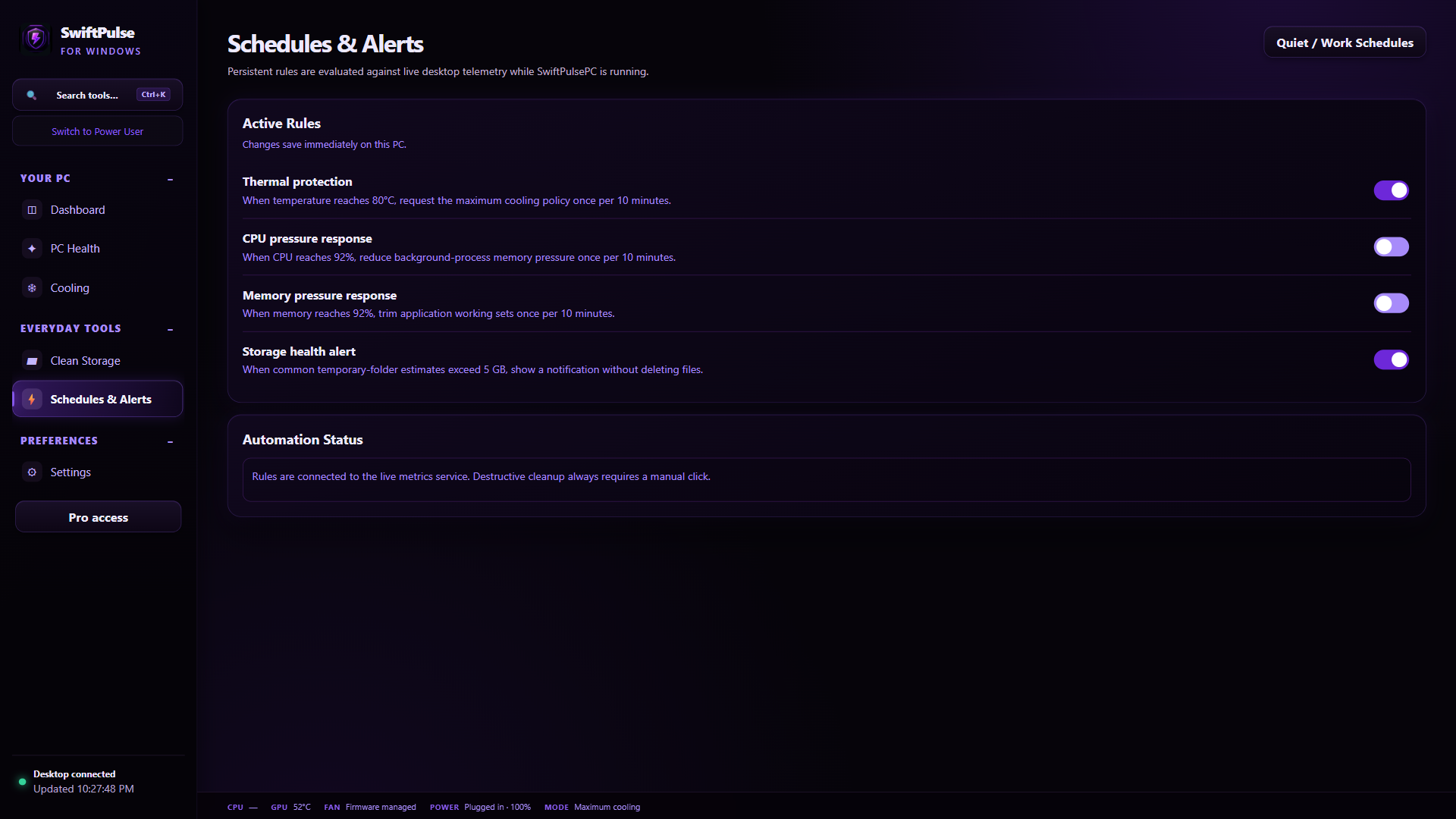
Rules connected to live metrics
Set guarded thermal, CPU, memory, and storage alerts that never delete files automatically.
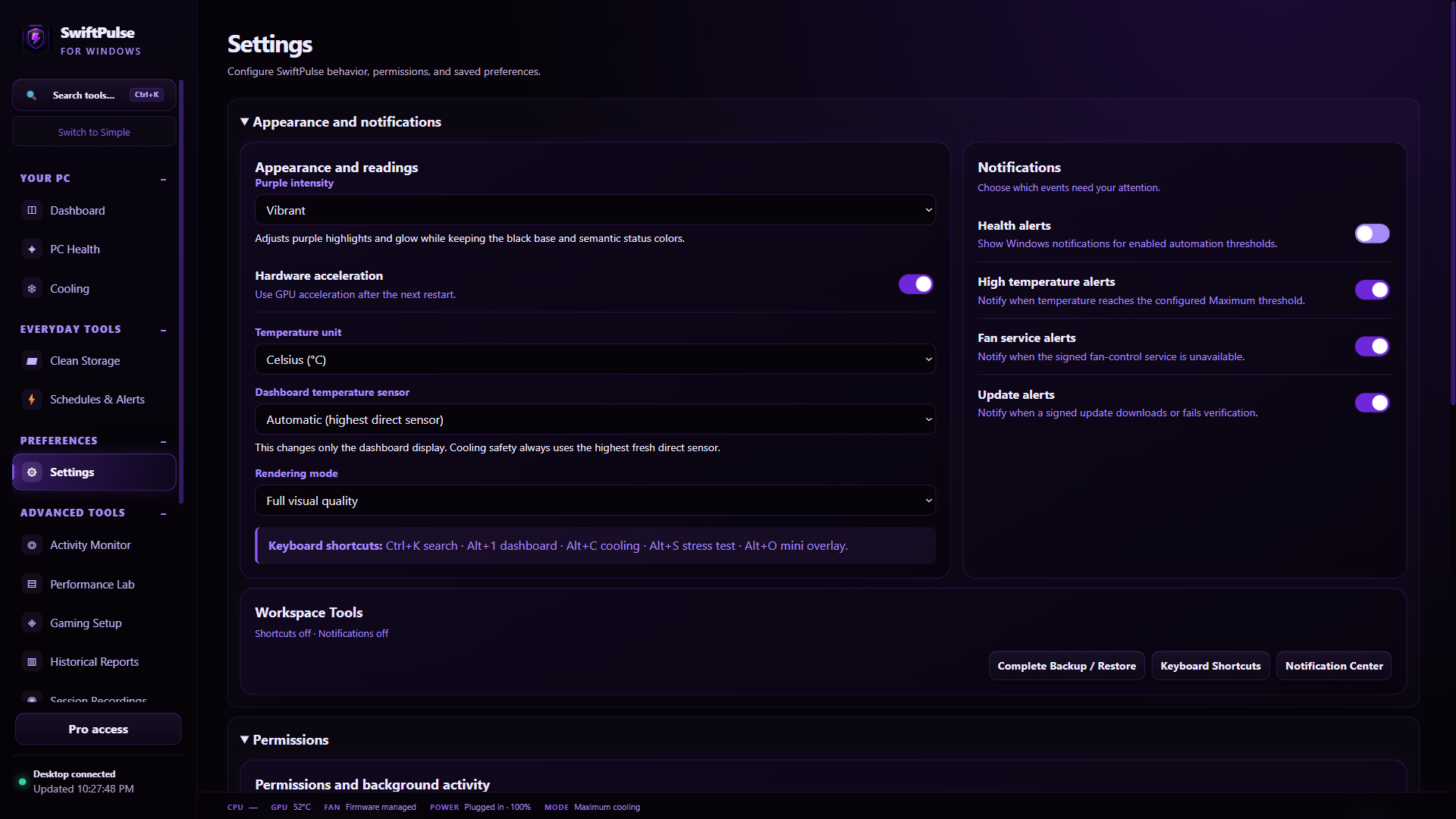
Settings organized by task
Review appearance, notifications, permissions, and recovery in clearly separated sections.
One control center
Powerful tools without fake precision.
Every reading and control reports its source, confidence, and hardware limitations.
Designed to stay honest
Advanced when supported. Blocked when it isn't.
Direct sensor confidence
Fallback and estimated temperatures never become safety or calibration readings.
Signed elevated helper
Privileged cooling actions are limited to the signed SwiftPulse fan service.
Recovery-first changes
Snapshots and safe defaults give you a clear way back before experimenting.
Vendor-aware tuning
Unsupported integrated graphics, laptops, firmware, and drivers remain visibly blocked.
Microsoft Store version 1.9.13
Start free. Choose Pro when you need it.
The Store app and both Pro plans are available. Version 1.9.13 is available in the Microsoft Store; rollout can take time to reach every PC. Open Pro access inside the Store app to view current offers or restore an existing purchase. This website does not take payments.
| What you get | Store Free 1.9.13 | Store Pro 1.9.13 |
|---|---|---|
| Live monitoring and basic diagnostics | Included | Included |
| Recordings, comparisons and custom layouts | Pro required | Included |
| Automatic recording, cooling schedules and overlay | Pro required | Included |
| Hardware-dependent controls | Compatibility required | Compatibility required |
| Updates | Microsoft Store | Microsoft Store |
| Pro purchase requirement | None for essentials | Monthly or lifetime |
US prices shown. Local pricing, taxes, availability, and trial terms are confirmed by Microsoft Store before purchase. Buying Pro does not add unsupported hardware controls. Purchase and restore help